

Split payments and free delivery labels on your frames
On this page
The Split payments and Free delivery frames show "or 4 payments of AED 312.50" or Free delivery on the products that offer it, set on the layer with no file. The rest works as in Put a frame on your products.
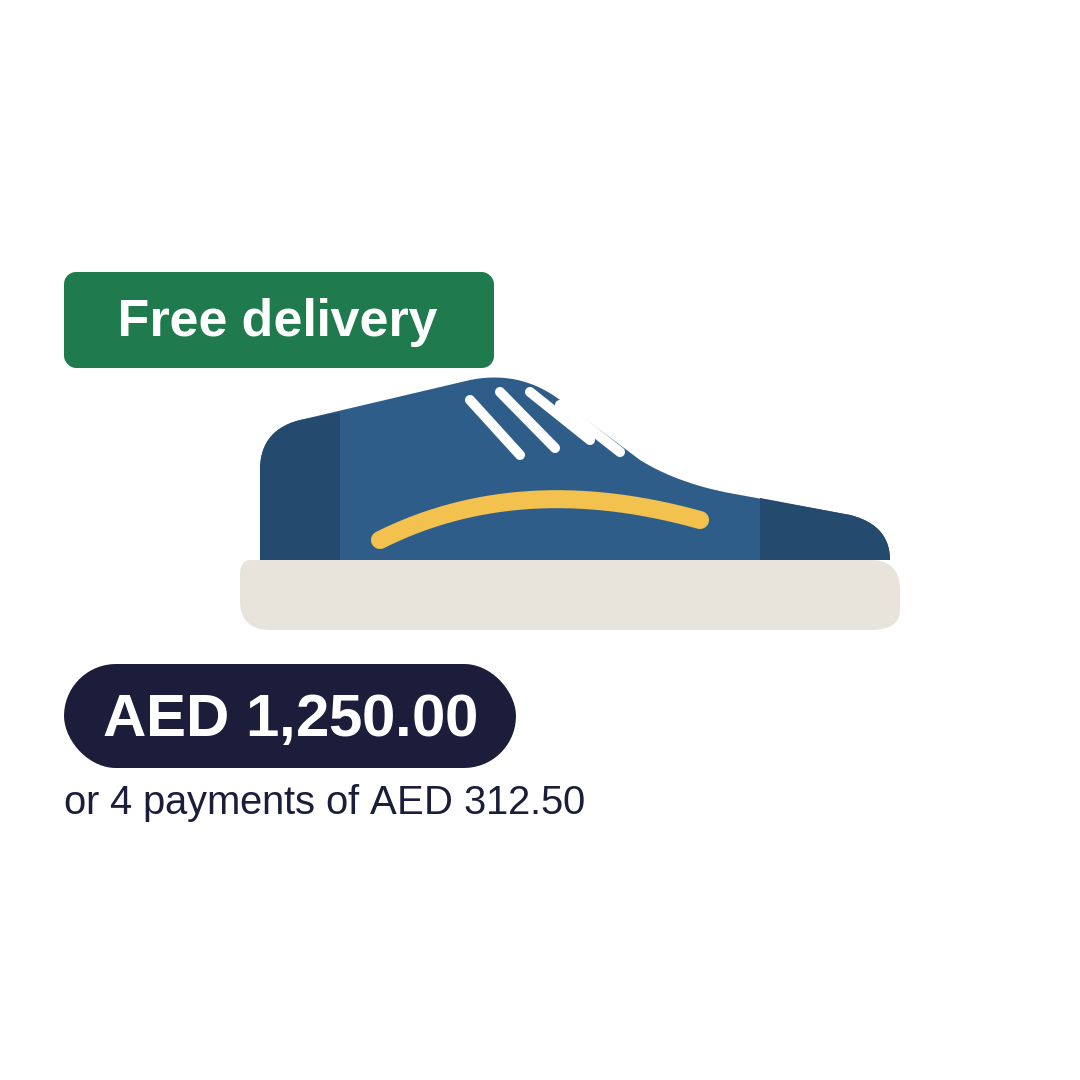
Split payments
- In Craft > Frames, select New frame, then Split payments under Labels in the list of looks.
- Select the split payments layer and set:
- Provider: None, Tabby, Tamara or Tabby or Tamara.
- Number of payments: 3, 4, 6 or 12 (4 to start). Each payment is the price now divided by that number. Pick a count your provider offers; Tapper does not check it.
- Price band: From, To and Currency, such as SAR 200 to 20,000. Empty means every product. With a band, a product in a currency you did not name gets no line.
Saving checks that:
- The count is 3, 4, 6 or 12.
- A named provider appears in the words, in English or Arabic.
- The words promise nothing beyond the split: no "interest-free", "0%" or "no fees".
Free delivery
- In Craft > Frames, select New frame, then Free delivery under Labels in the list of looks.
- Select the Free delivery layer. Under Free delivery from, select Set an amount, then type the three-letter Currency and the From amount, such as AED 200. Select Add another currency for each other currency you sell in. You cannot save until the amount is complete.
With an amount, the label shows on every product whose price now, the sale price while on sale, is at or above the amount. A product in a currency you did not add, or whose price cannot be read, gets no label from the amount.
Without an amount, the Free delivery starting point shows only on products your upload marks 1 in a free_delivery column, so on none if you have no such column.
If you write your own text layer that says Free delivery instead (Add a layer > Text), it has no rule, so it shows on every product until you select Set an amount under Free delivery from. Set the amount before you approve.
Uploaded columns still decide. If you uploaded a payments or free_delivery column before, it decides for the products it lists: split payments shows only where the value equals your count, and free delivery shows on a value of 1 or more and never on 0, whatever the price or currency. Then approve the design as usual.