

How to remove the Tapper tracking template from your Google Ads account
The cleanest way is to disconnect the account in Tapper, which puts back the template you had before. See Remove Tapper's tracking template from Google Ads.
To remove it by hand, for example when Tapper can no longer reach the account:
- Sign in to Google Ads.
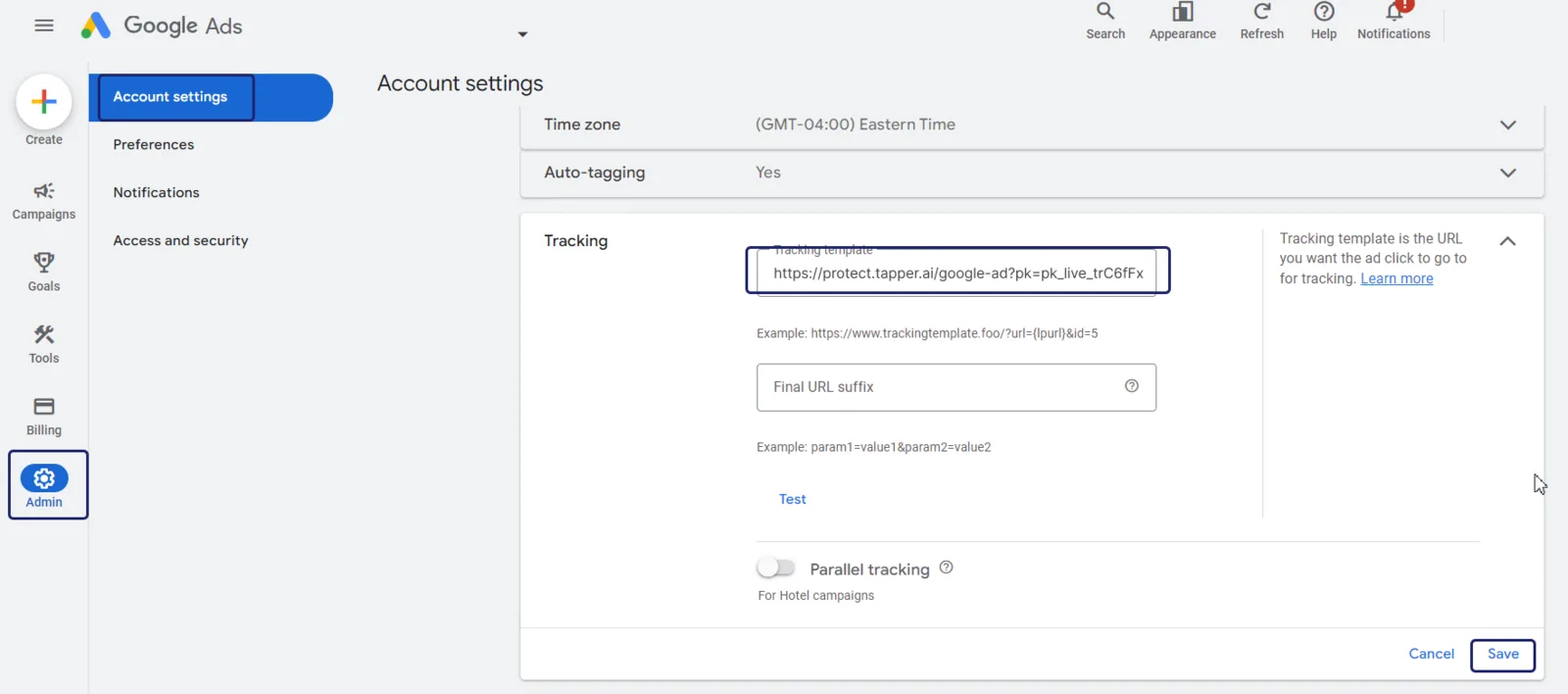
- Click Admin in the left panel.
- Go to Account settings.
- Select Tracking.
- Select Tapper's template in the tracking template field and delete it.
- Click Save.
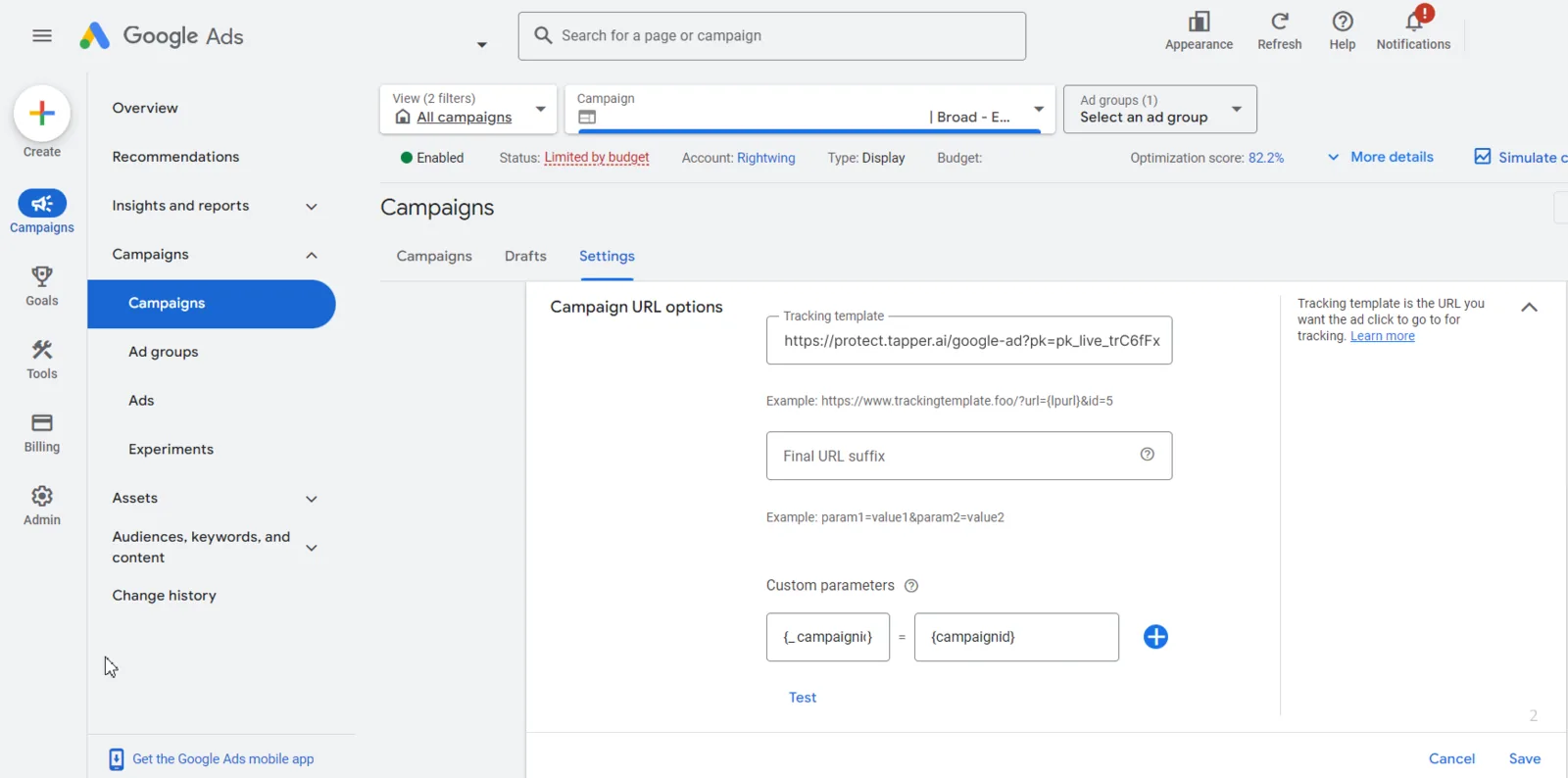
If you also set Tapper's template on a campaign, remove it there too:
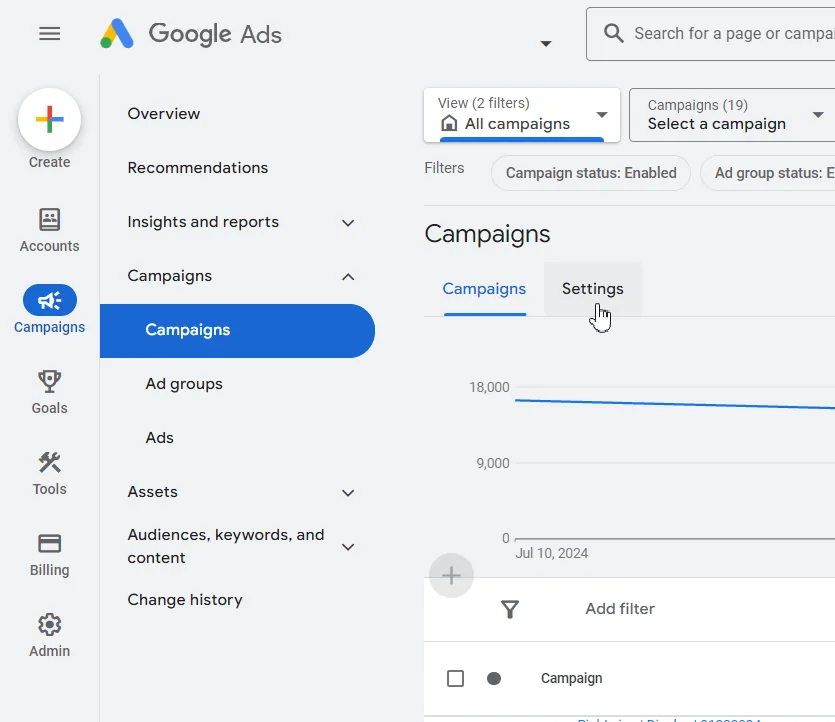
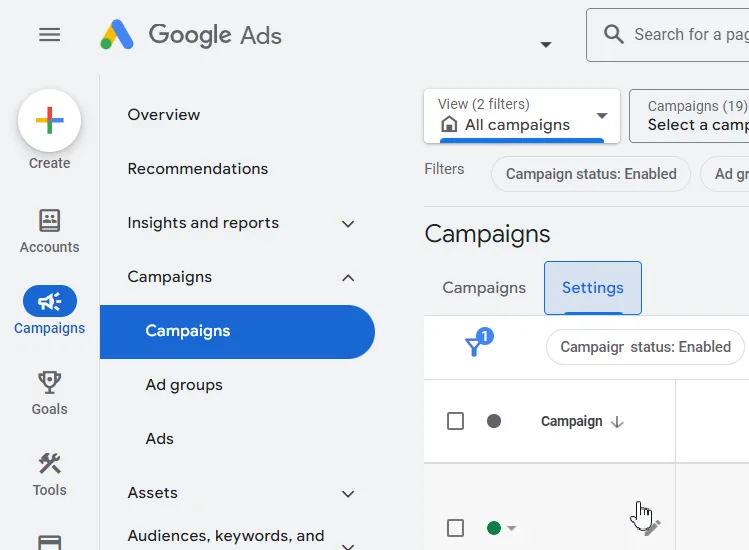
- Click Campaigns in the left panel, then Campaigns again.
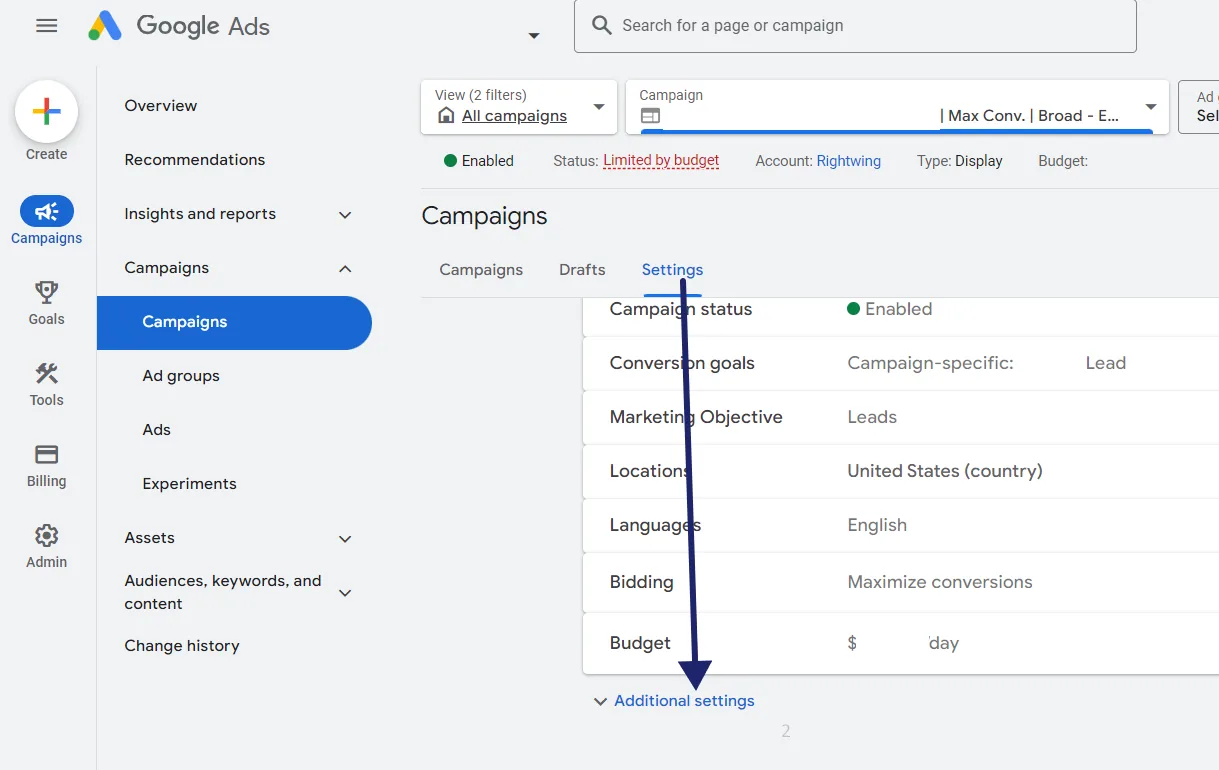
- Open the campaign, then Settings.
- Click Additional settings, then Campaign URL options.
- Select Tapper's template in the Tracking template field and delete it.
- Click Save.
Was this helpful?
Related articles
Still need help?
Chat with our team and mention this article.