

Resolving Content Security Policy (CSP) blocking issues
Limited or missing data after setup, especially on large or enterprise websites, often means your site's Content Security Policy (CSP) is blocking Tapper's monitoring script.
What's happening?
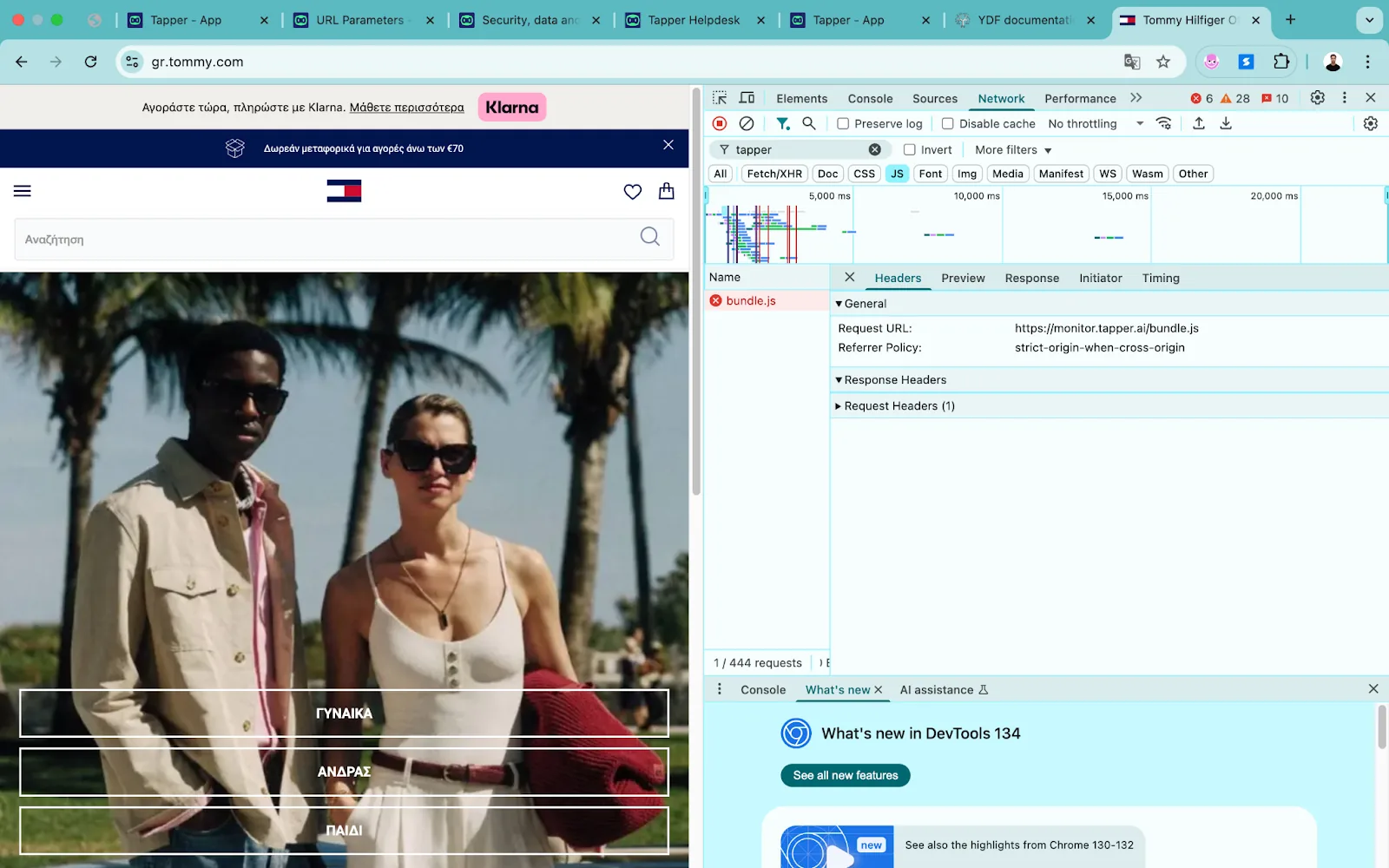
The script loads from Tapper's domain and records how visitors behave, so Tapper can detect invalid traffic. A strict CSP makes the browser block it, and Tapper receives no data. On the developer tools' Network tab you may see:
Request URL: https://monitor.tapper.ai/bundle.js
Error: CSP block or failed to load resource
How to fix it
Your engineering team adds Tapper's sources to your CSP. The exact list is in Setup > Website > Monitoring, on the Install script and consent tab, in the Content Security Policy box. Add each source to the matching directive already in your policy. The list and every case are in Allow Tapper in your Content Security Policy.
Still stuck?
Forward this article to your developer or security team, or write to support@tapper.ai.
Was this helpful?
Related articles
Still need help?
Chat with our team and mention this article.