

Meta Ads account not accepted during setup
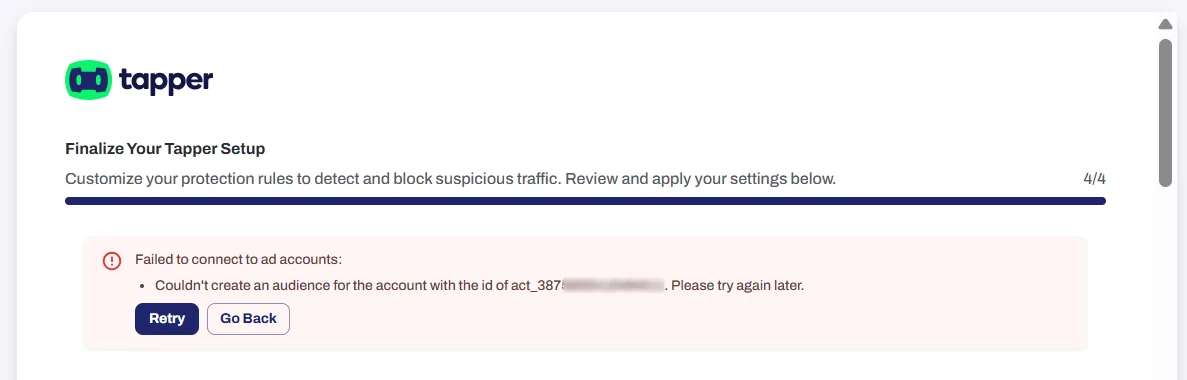
If setup fails with "Couldn't create an audience for the account", the Meta Custom Audience terms for that ad account were probably not accepted.
Fix
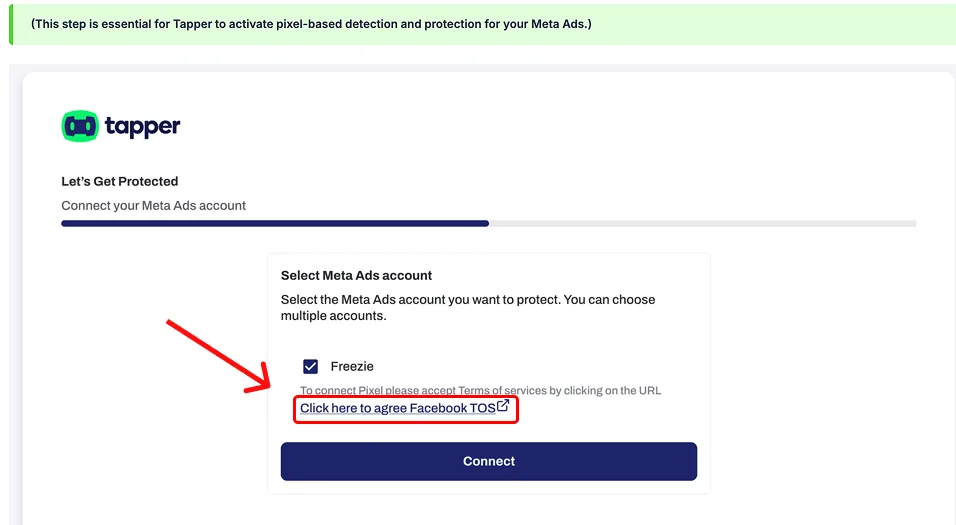
- On the account list, tick the ad account and click Accept the terms on Meta. Meta's terms for that ad account open.
- Accept the terms on Meta, then come back to Tapper and click Retry.
For every requirement, see Before you connect Meta: permissions, the pixel and the Custom Audience terms.
Was this helpful?
Related articles
Still need help?
Chat with our team and mention this article.