

How to check if the paid marketing monitoring script is working on my site?
- Open your landing page in a browser.
- Open the developer tools (right-click the page and choose Inspect, or press F12, Fn + F12 on some keyboards, or Command + Option + I on a Mac) and go to the Network tab.
- Add a click ID to the page's address and press Enter:
/?gclid=testfor Google Ads,/?fbclid=testfor Meta Ads or/?ttclid=testfor TikTok Ads, for examplemyurl.com/?gclid=test. - Type
tapperin the filter box. Abundle.jsrequest frommonitor.tapper.aiwith status 200, then requests toprotect.tapper.ai, means the script is firing.
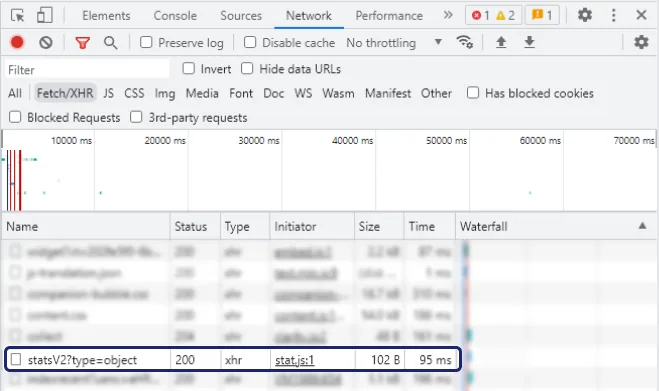
Other ways to open the developer tools, and what to do when nothing shows up, are in Check that the monitoring script is working on your site.
Was this helpful?
Related articles
Still need help?
Chat with our team and mention this article.