

Can't sign in: wrong password, lost authenticator, SSO not found
On this page
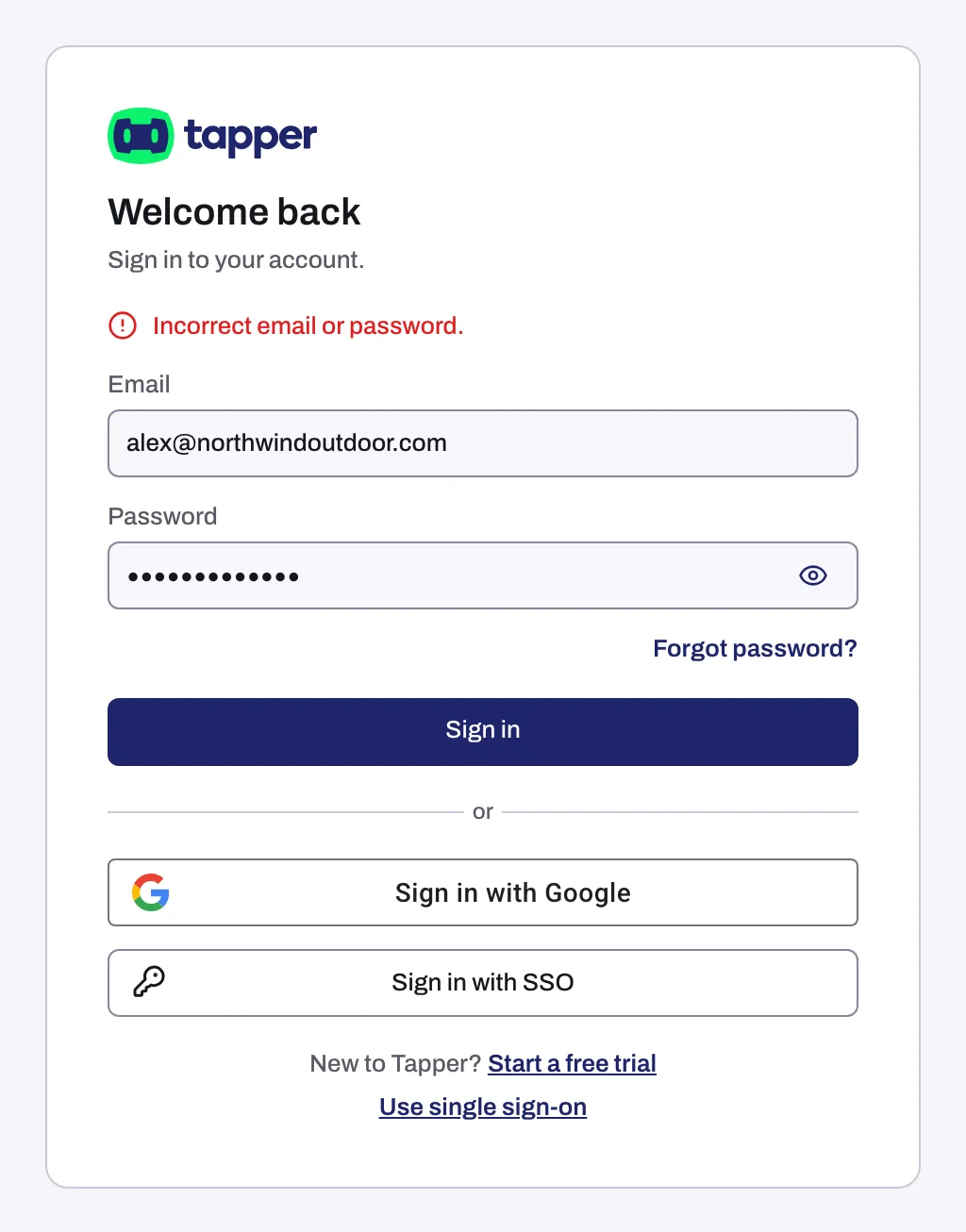
"We could not log you in. Check your email and password."
The email address and password do not match an account. Usually it is a typo, or an account created with Sign in with Google, which has no password until you set one.
- Check the email address, then click the eye icon in the Password field to see what you typed.
- If you signed up with Google, click Sign in with Google.
- If you forgot the password, click Forgot password? and follow Reset a forgotten password.
Tapper allows 20 sign-in attempts per 15 minutes from the same IP address. If you reach the limit, wait before you try again.
The authenticator code is wrong or your device is lost
With two-factor authentication on, Tapper asks for the 6-digit code from your authenticator app. Tapper has no backup or recovery codes, so without that device you cannot produce a code.
- Open the authenticator app on the device you set 2FA up with, type the current Tapper code in Authentication code and click Continue.
- If the device is lost or reset, click Contact support next to Lost your device?, or email support@tapper.ai from the address you sign in with.
Once you are back in, set 2FA up on the new device.
"No single sign-on is set up for this email domain."
Your email's domain has no single sign-on connection in Tapper.
- Check that you typed your work email, not a personal one.
- Click Log in another way and use your password or Google.
- If your company should use single sign-on, ask your workspace owner or an admin to set it up and verify the domain: see Set up single sign-on (SSO) for your workspace.
The "Log in with single sign-on" page
The workspace you opened requires single sign-on for your email domain, and you signed in with a password or Google. If your company has locked accounts on your domain to its own workspace, the page reads "Use your company workspace" instead, and that is the only workspace your account can use.
- Click Continue with single sign-on to log in through your company's identity provider.
- Or click another of your workspaces under or open another workspace. The list shows only when you belong to other workspaces and your domain is not locked.
- Or click Log out.
Still stuck
Email support@tapper.ai from the address you sign in with. Include the exact message, your sign-in method (password, Google or SSO) and, for SSO, your email domain.
Related
Was this helpful?
Still need help?
Chat with our team and mention this article.