

How to change your password?
To change your password please follow these steps:
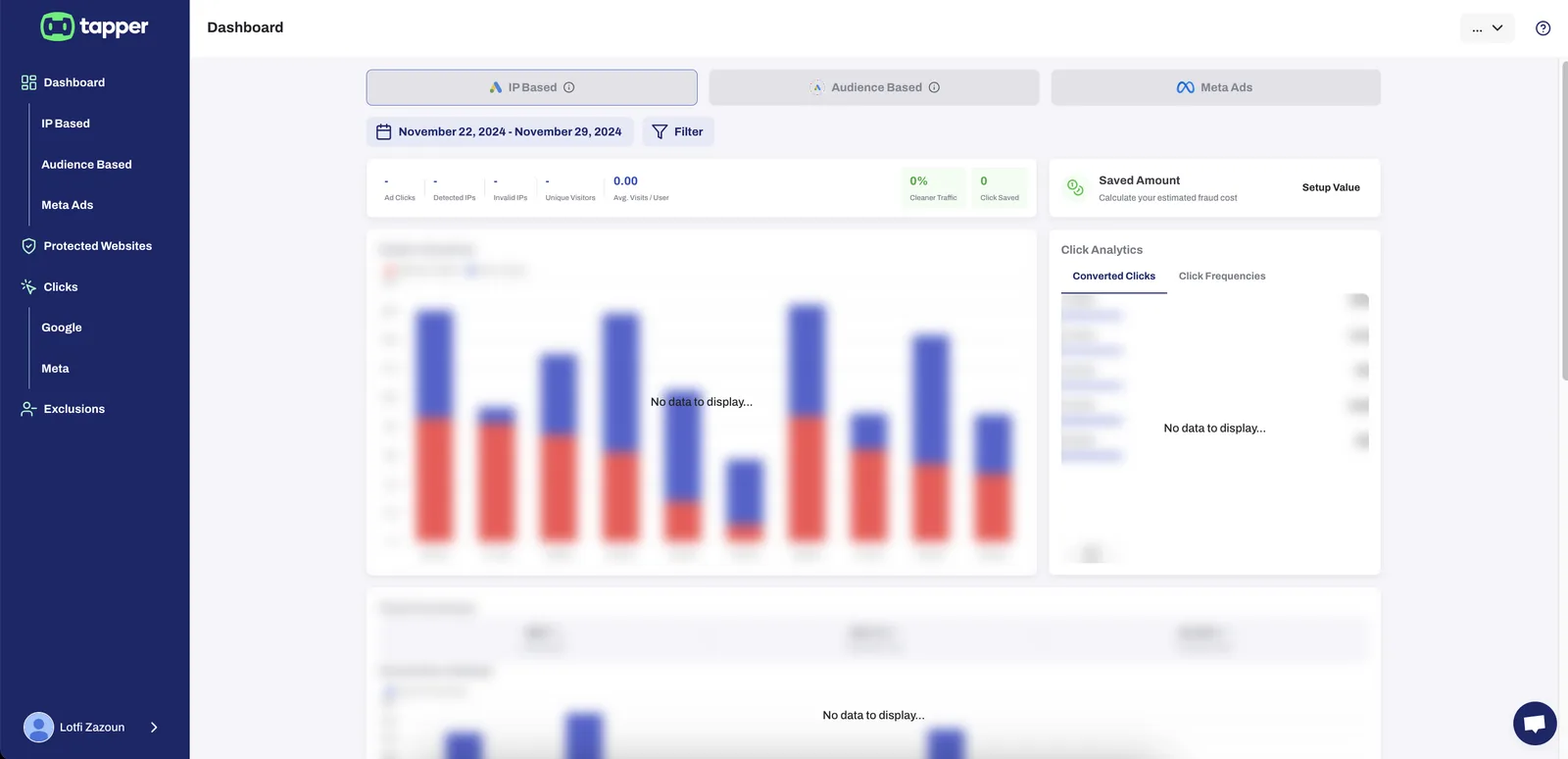
- From your dashboard click on your profile.
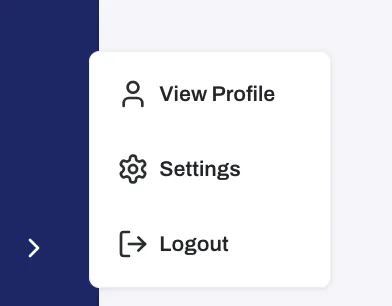
- Then click on "View Profile"
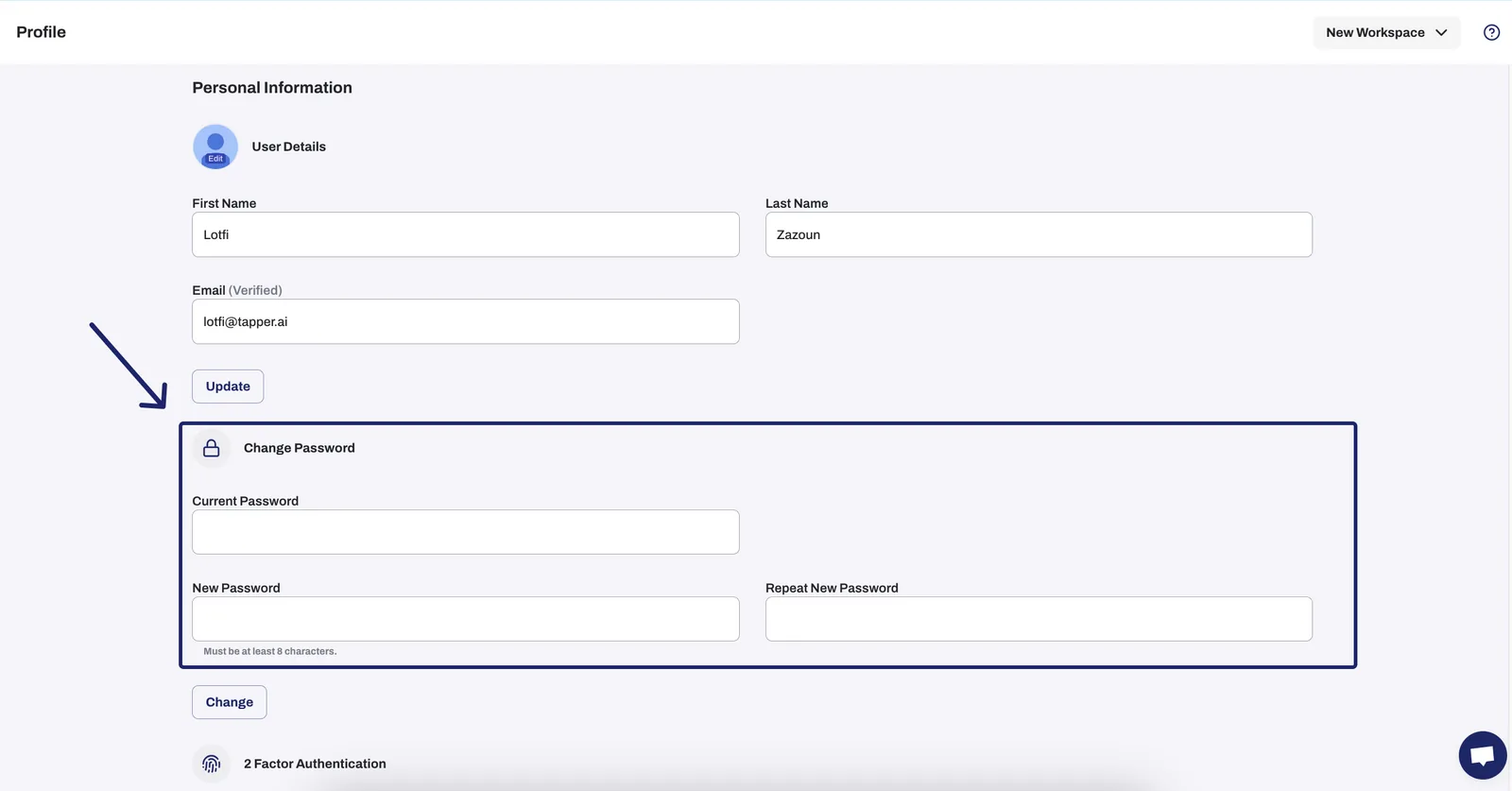
- Scole down to “change password”, enter your new password and repeat it one more time. Then press one “Change”
Was this helpful?
Related articles
Still need help?
Chat with our team and mention this article.