

Two factor authentication (2FA)
To protect your privacy and be secure, you can use two-factor authentication. You will need a device with a two-factor authentication app to use this feature.
To set up two-factor authentication please follow these steps:
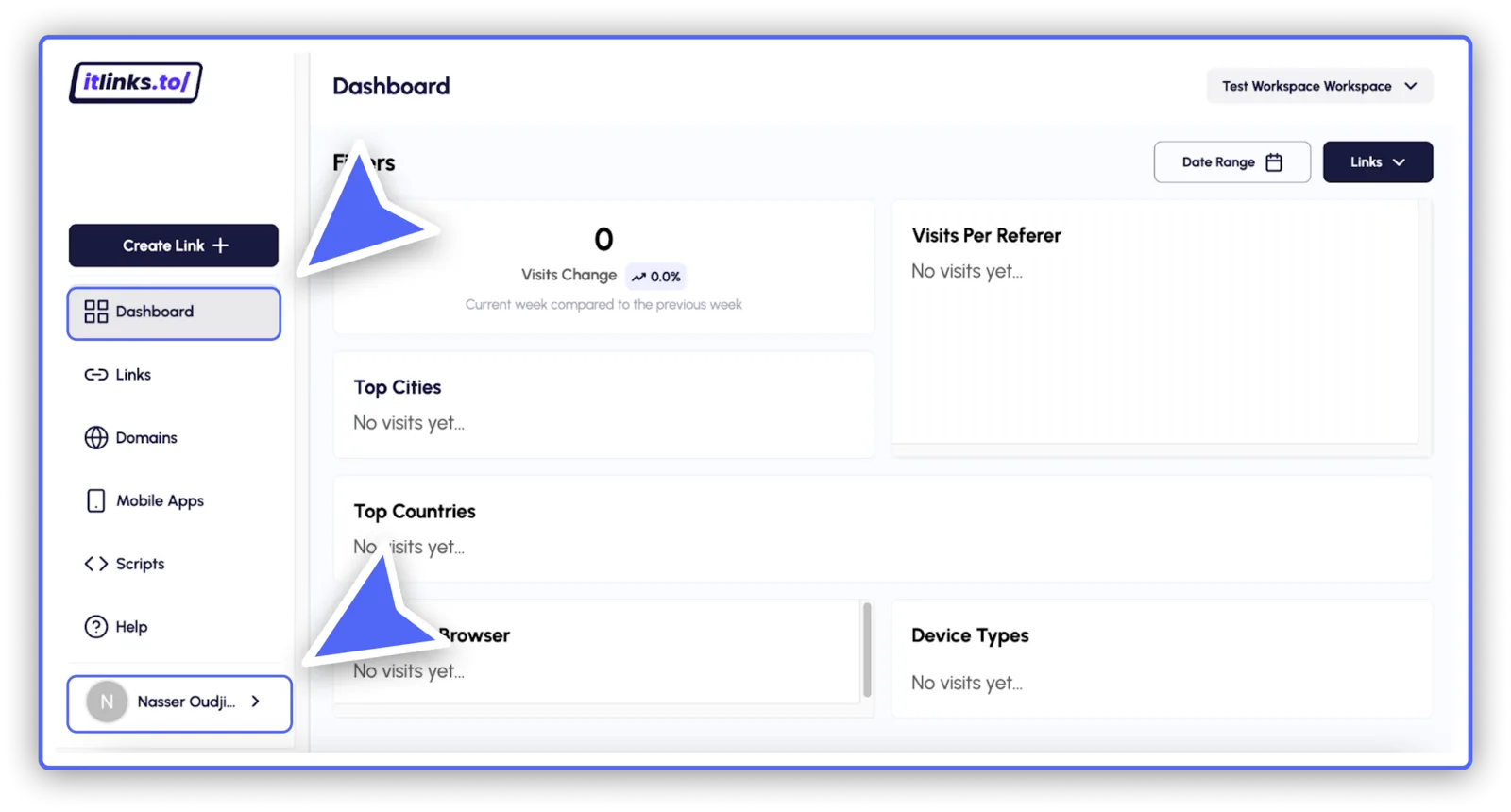
- From your dashboard click on your profile.
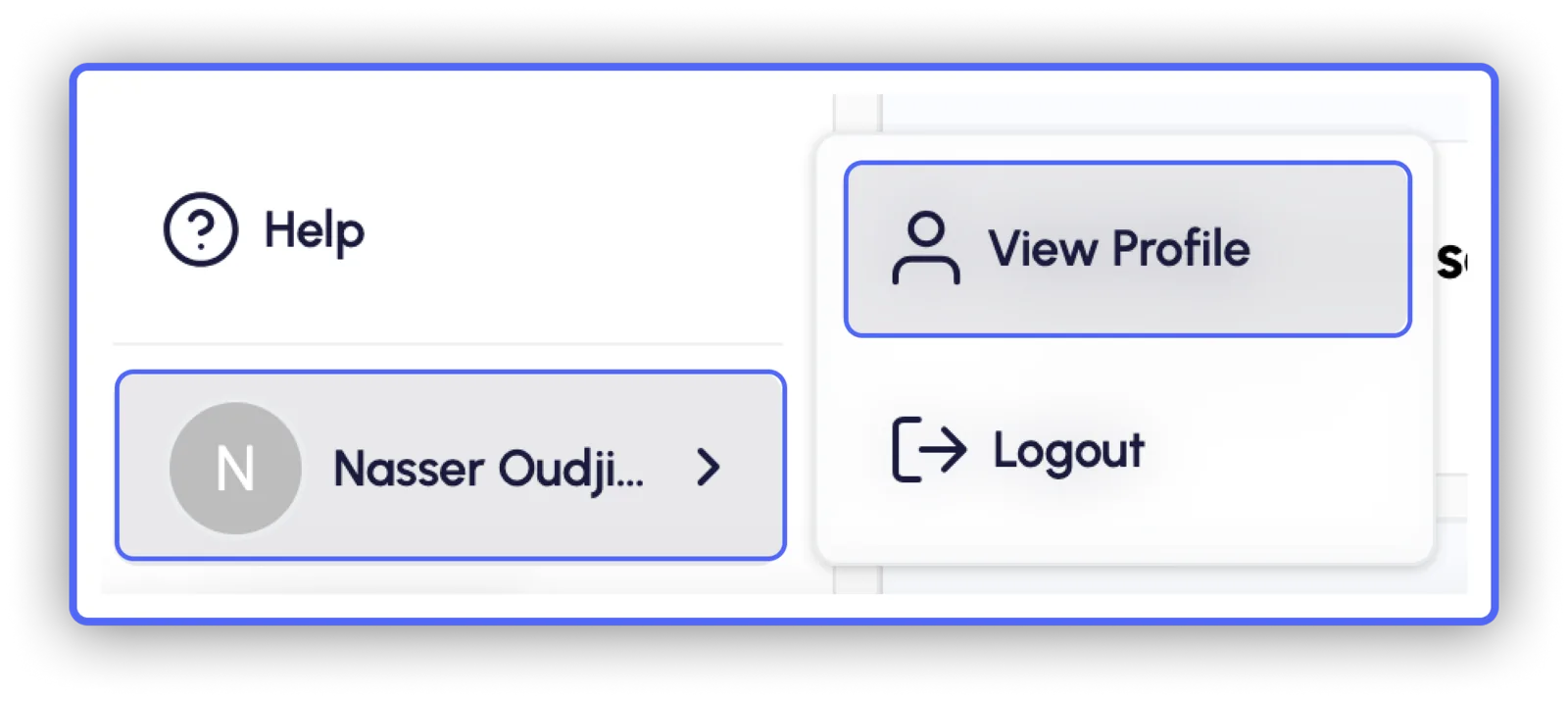
- Then click on "View Profile"
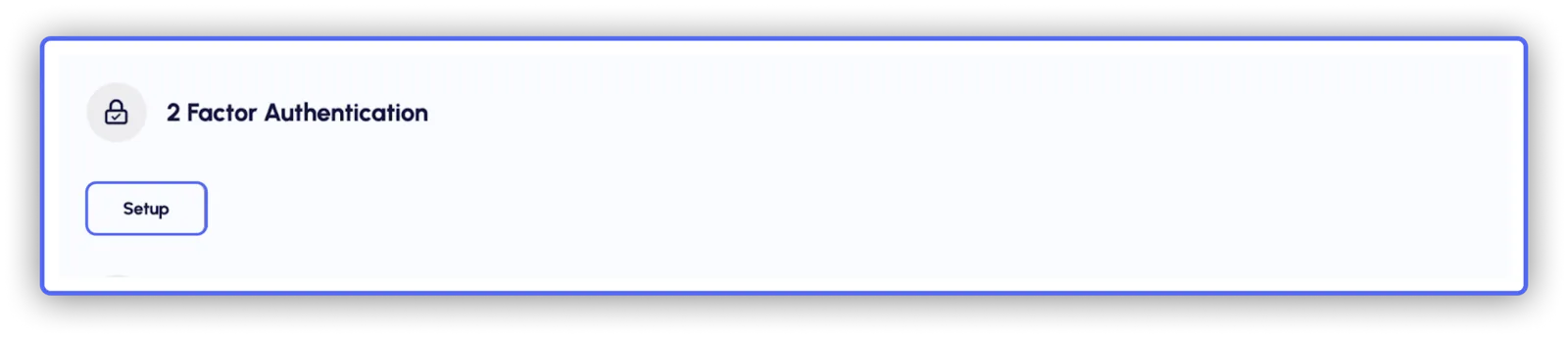
- Scroll down to “2 Factor Authentication” and press on “Setup”
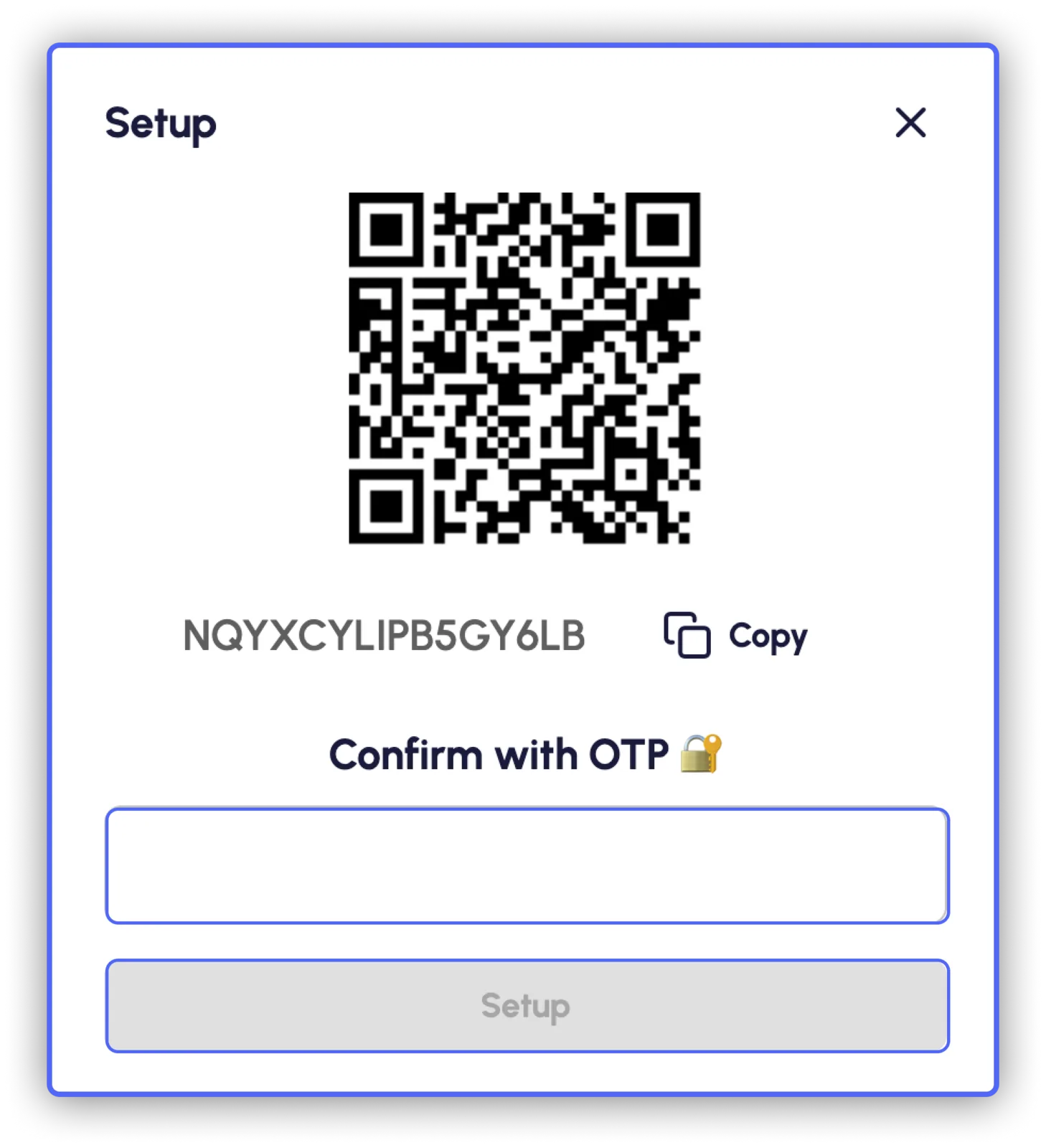
- You will see a QR code - scan it with your mobile device or copy the code below it. Then, you will have to confirm using a one-time password generated in your authenticator app. OTP is a 6-digit passcode and it changes every 30 seconds.
- If you use two-factor authentication, you will be asked to enter the OTP every time you log in, after entering your email address and password.
Was this helpful?
Related articles
Still need help?
Chat with our team and mention this article.