

Your free trial has ended or a payment failed
If every page you open in Tapper shows Your free trial has ended or We could not process your payment, your workspace has no active plan. Your data is kept.
Why it happens
The page appears when the workspace's subscription falls back to the Free plan, which Tapper treats as no active plan. That happens when:
- your free trial ended before you moved to a paid plan;
- a payment for your paid plan did not go through and the plan lapsed;
- someone used Cancel plan in Settings, Billing, and the paid period they had already paid for has now ended. Canceling stops the renewal; the plan runs to the end of the period, with no refund.
From then on, every page of the app sends you to this page. The only pages that still open are this one, the Plans page, and the company-login page for workspaces that require single sign-on.
A workspace runs on its owner's subscription. If you are a member and see this page, it is the workspace owner's plan that has lapsed, so let the owner know.
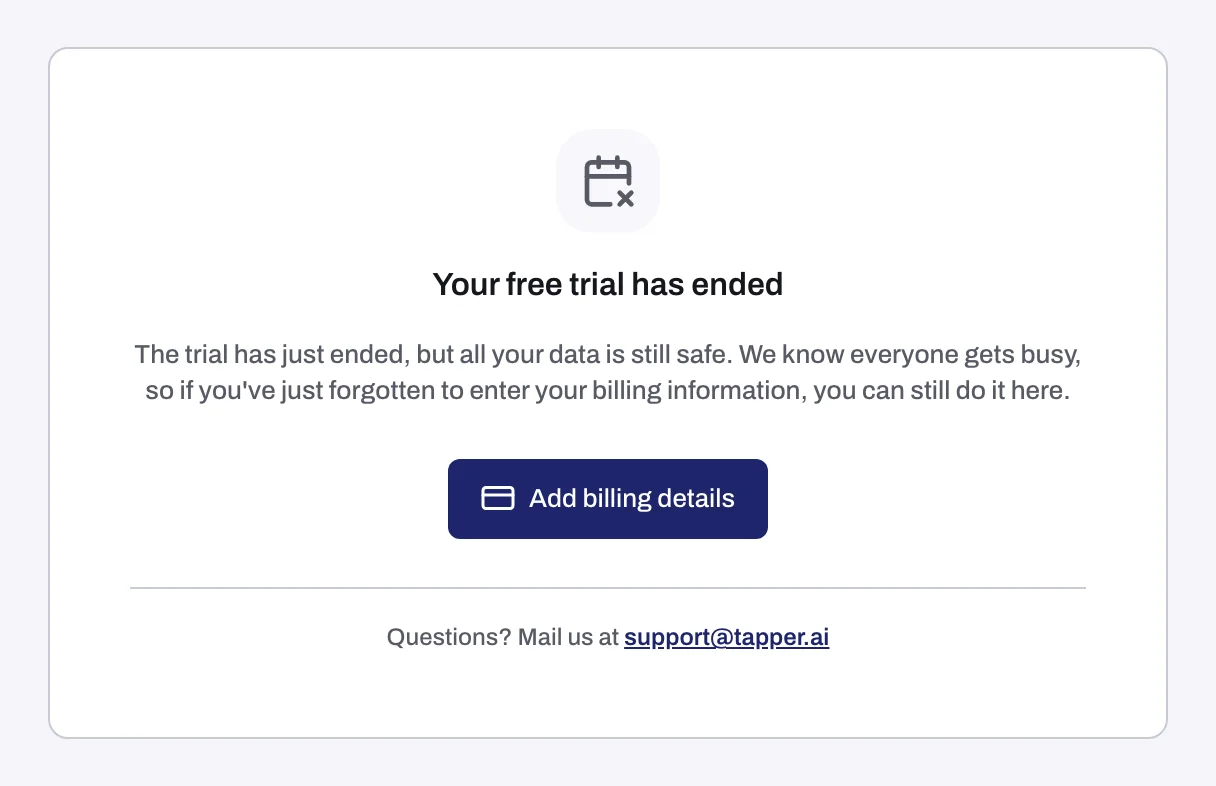
What the page says
| You see | What it means | Button |
|---|---|---|
| Your free trial has ended | The trial is over and no paid plan is active. | Add billing details |
| We could not process your payment | A charge for your plan failed. | Update billing details |
Fix it
- Click Add billing details (or Update billing details). The Plans page opens.
- Use the Enterprise and Startup/SME toggle to see what each plan covers.
- Click Book a call and pick a time with Tapper's team. There is no checkout or card form in the app, so booking the call is the way forward from here.
- If you would rather write, or if your question is about a failed payment, email support@tapper.ai with your workspace name and the email address of the workspace owner.
Once a paid plan is active, the app opens normally again.
If it still happens
If your plan is paid and active but you still land on this page, email support@tapper.ai with your workspace name, the owner's email address and a screenshot of the page. For what each plan status looks like in Settings, see Billing: your plan, renewal, seats and invoices.
Related
Was this helpful?
Related articles
Still need help?
Chat with our team and mention this article.