

How to create a workspace
To create a workspace please follow these steps:
- In order to create a workspace you need to from your dashboard on the top right hand corner click on the arrow.
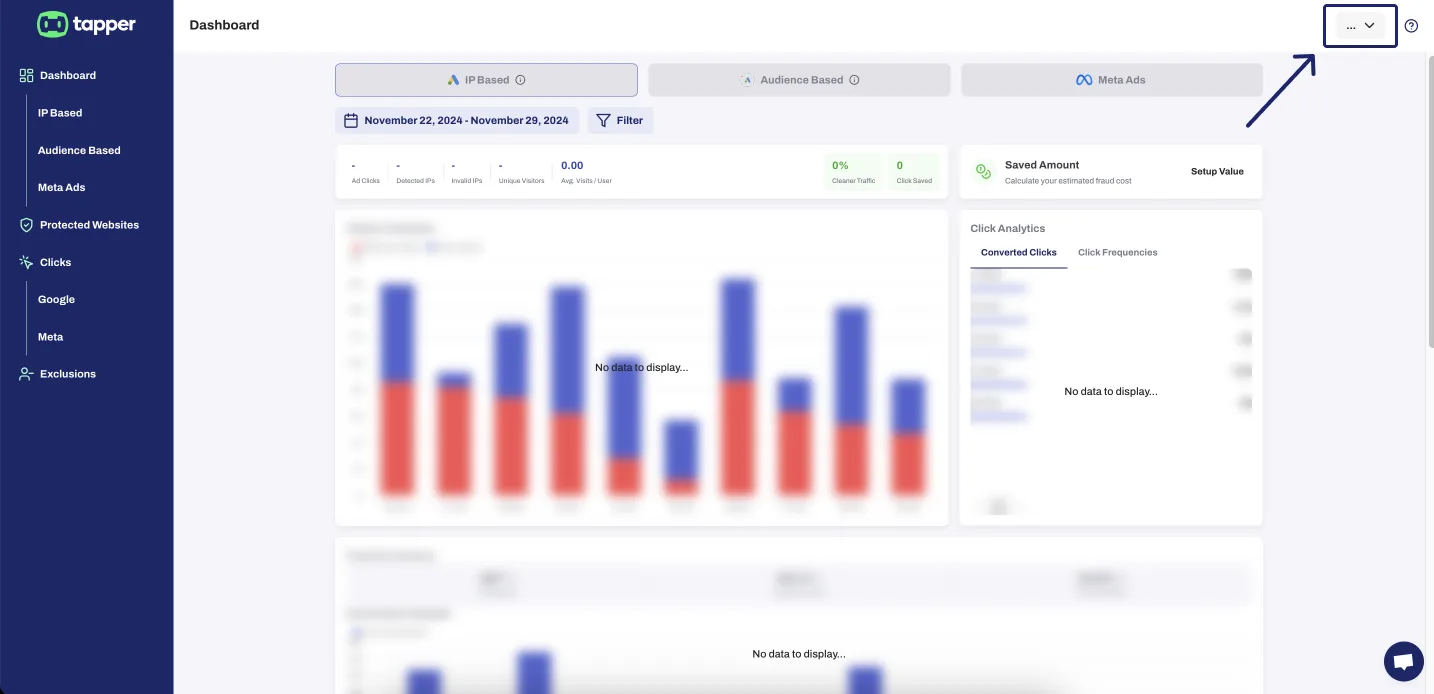
- From there add a name to your new workspace and click on the “+” sign.
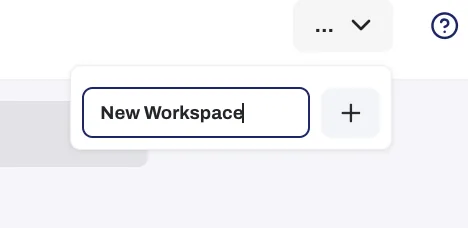
- After pressing on the “+” sign your new workspace should be created now you can press on the edit icon a popup will appear where you can add delete, or change permissions for your teammates.

Was this helpful?
Related articles
Still need help?
Chat with our team and mention this article.