

Reset a forgotten password
If you forgot your Tapper password, ask for a reset link from the sign-in page. Tapper emails you a link that works for 14 days, and the link opens a page where you choose a new password. You do not need to contact support.
Before you start
- If you created your account with Sign up with Google or Sign in with Google, your account has no password yet. Sign in with Google instead. To add a password as well, use Set password in Settings, Personal: see Change your password.
- If you still know your current password and only want a new one, this reset link is also the way to change it: see Change your password.
Ask for a reset link
- Open
https://app.tapper.ai/log-inand click Forgot password?. The page Reset your password opens. - Type the address you sign in to Tapper with in Email.
- Click Reset password. Check your inbox and your spam folder.
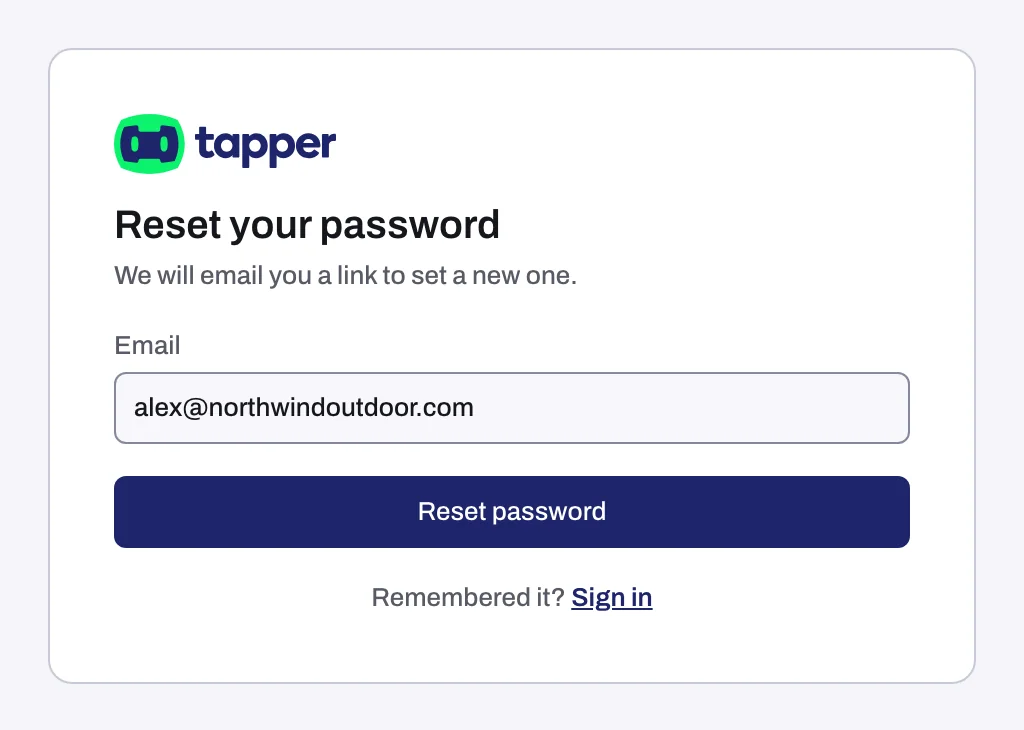
The confirmation looks the same whether or not the address has a Tapper account, so seeing it does not prove the address is right. If no email arrives, check that you typed the address you signed up with.
Set a new password
- Open the reset email and click its link. The page Set a new password opens.
- Type your new password in New Password. Use at least 8 characters.
- Click Reset password. Tapper takes you to the sign-in page.
- Sign in with your email address and the new password.
If two-factor authentication is on for your account, the code step stays: after the new password, Tapper asks for the code from your authenticator app.
If something goes wrong
| What you see | What to do |
|---|---|
| This reset link has expired or was already used. Ask for a new one. | The link is older than 14 days or has already been used. Go back to Forgot password? on the sign-in page and ask for a new link. |
| No email arrives | Check your spam folder for an email titled "Reset your password for Tapper". Make sure you typed the address of your Tapper account, then ask again. If you already asked three times in the last 14 days, no new email is sent: use one of the earlier links. If nothing arrives, write to support@tapper.ai. |
| You are asked for a code you cannot produce | Your account has two-factor authentication and you lost the authenticator. A password reset does not help here: see Can't sign in: wrong password, lost authenticator, SSO not found. |
Related
Was this helpful?
Related articles
Still need help?
Chat with our team and mention this article.