

How to Add a New Website?
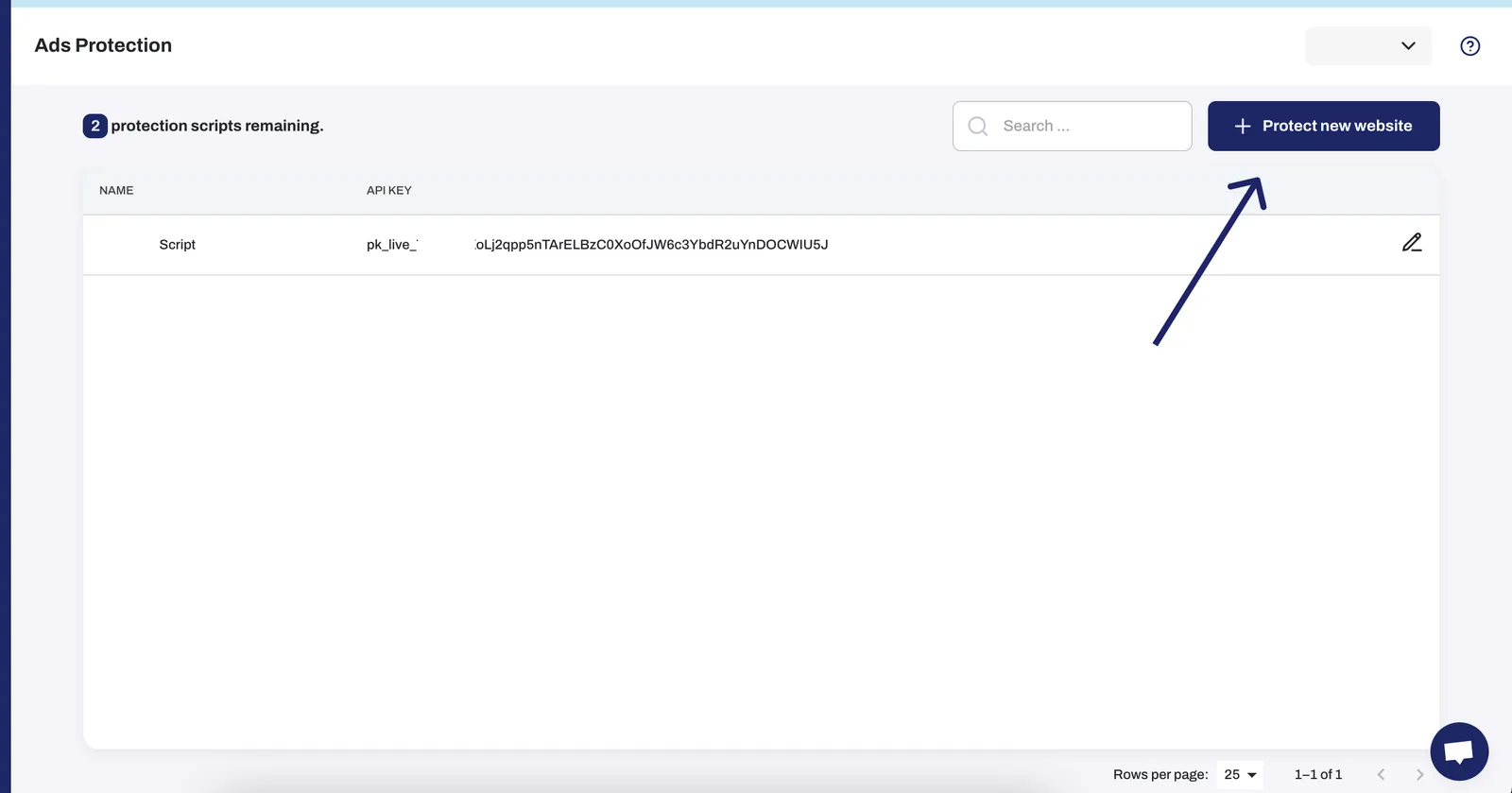
To add a new website, from dashboard go to "Protected Websites"

After that click on the top right hand corner on "+ Protect new website"
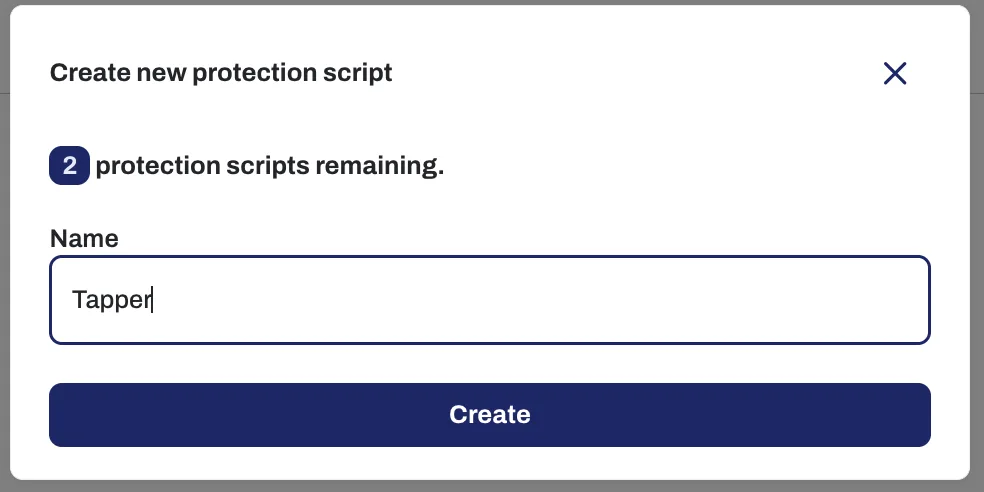
You will see this window where you can add the name of your website and then you can press on "Create"
Was this helpful?
Related articles
Still need help?
Chat with our team and mention this article.