

Connect TikTok Ads
Connecting TikTok Ads is a TikTok for Business sign-in and a pick from a list. With Block, Tapper records invalid traffic from your TikTok ads, and you build the audience of invalid visitors in TikTok Ads Manager from the event it sends. On a Lift-only workspace Tapper creates nothing. Either way Lift checks the accounts daily (Connect TikTok Ads for Lift).
You need to be a workspace Owner or Admin. With Block, each ad account needs a TikTok Pixel on your website.
Steps
1. Sign in and choose accounts
- Start from the wizard's Connect an ad account step, or the TikTok Ads page of Setup > Ad accounts: Add ad account (or Connect TikTok Ads while it has none). See Add another ad account to an entity.
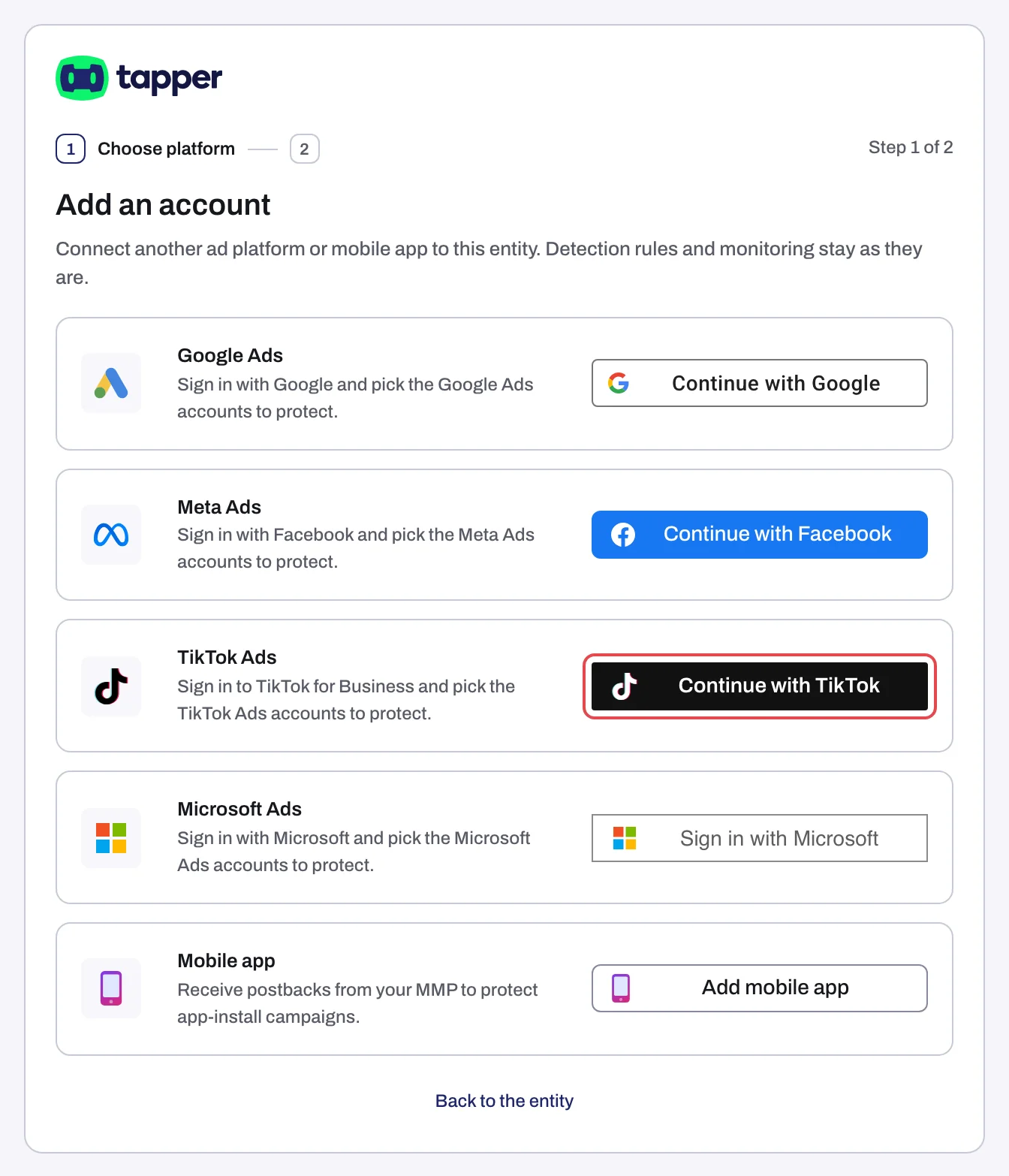
- On the TikTok Ads row, click Continue with TikTok. Log in and authorize Tapper to list your ad accounts, read their spend and, with Block, create its audience. Your sign-in is held for 30 minutes.
- Choose the accounts to protect (Lift only: Choose the accounts to connect) shows each account's name, or Account and its ID. The list does not refresh on its own: if an account is missing, go back and sign in with a login that reaches it.
- Tick each account and click Continue (wizard with Block) or Finish.
Linking takes up to 90 seconds (messages while accounts link). With Block, an account without a TikTok Pixel does not connect ("Ad account ... has no TikTok Pixel."): install the pixel, then connect again.
2. Set up the invalid traffic audience
With Block, Tapper sends the event TAPPER_INVALID_TRAFFIC through your TikTok Pixel and does not change your ad groups: each carries the tag Monitored on the Ad groups tab. Build the audience from that event and send Tapper its ID: Set up the TikTok invalid traffic audience. See also Protect TikTok ad groups and How Block protects TikTok ads.
3. Add the ad_id parameter
TikTok does not put the ad's ID in your landing-page URL, and Tapper needs it to tie each click to the exact ad. Add this to the end of every ad's destination URL in TikTok Ads Manager, including ads you create later:
?ad_id=__CID__
If the URL already has parameters, add &ad_id=__CID__. Type CID in uppercase between double underscores. Details: URL Parameters for TikTok Ads. Lift-only workspaces can skip this.
What happens next
- The TikTok Ads tab lists each account under TikTok Ads accounts with Connected, its Account ID and Manage ad groups.
- Ad groups sync at connect and every 6 hours, or on Refresh ad groups.
- You sign in again only if TikTok signs Tapper out: the row then shows Needs reconnecting (Reconnect).
- In a free trial Tapper records invalid clicks without blocking them (Monitor-only). See also When your data shows up after connecting.
"Tapper couldn't finish connecting this account. Try again; if it fails twice, contact support.": retry once, then write to support@tapper.ai.
Was this helpful?
Related articles
Still need help?
Chat with our team and mention this article.