

Behavior analysis feature
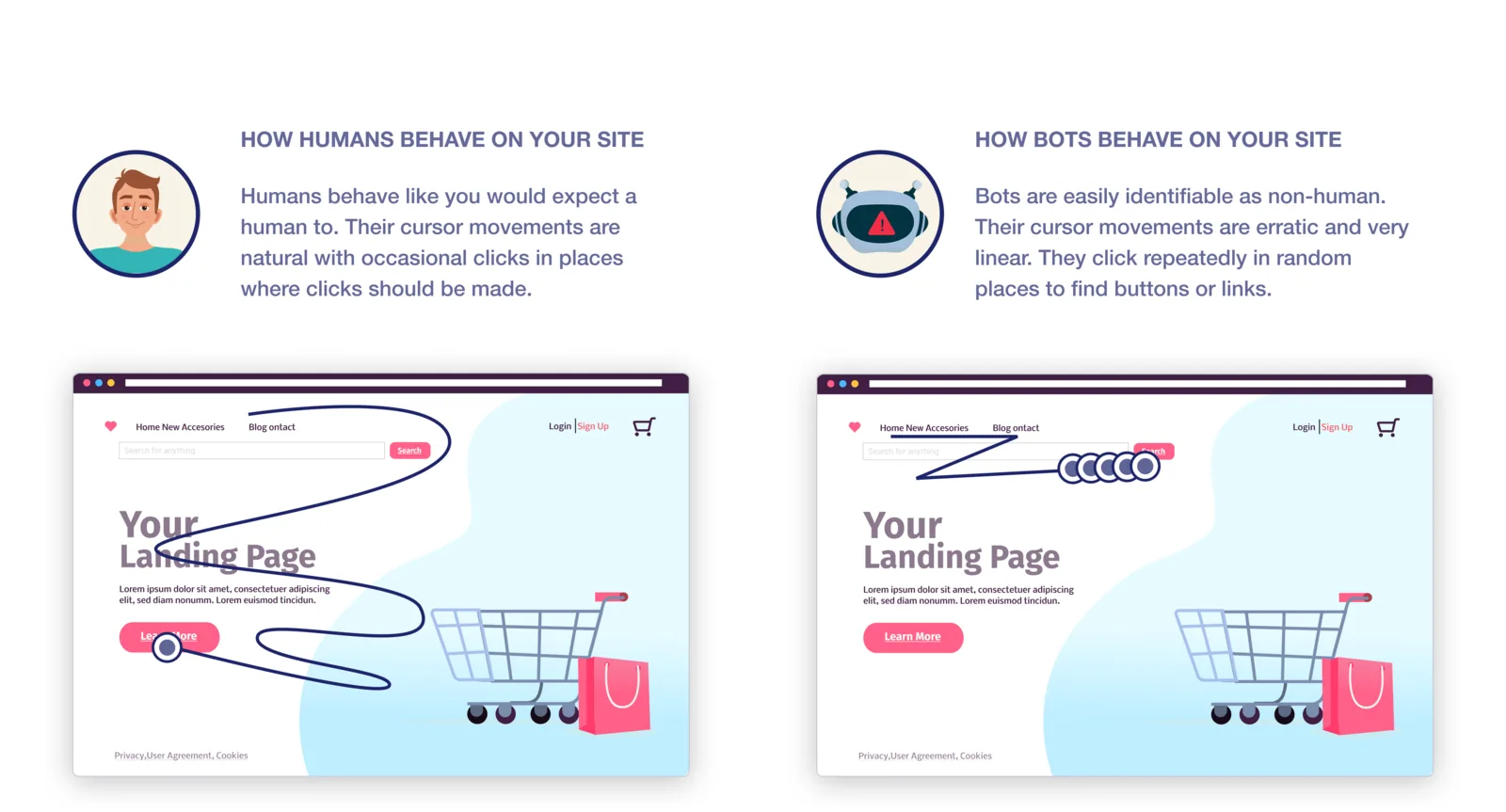
Behavior analysis uses how a visitor behaves on your site to decide whether a click came from a person or a bot: mouse movements, scrolling, click patterns and the length of the session.
Watch the video: Behavioral analysis
Turn it on
- In the sidebar, under Setup, click Rule sets and pick the rule set.
- Open the Detection features tab and switch on Block suspicious click behavior. It is on by default in a new rule set, and the app recommends it.
The switch saves as soon as you click it. Behavior analysis needs Tapper's monitoring script on your landing pages.
If you have questions, reach out to our .
Was this helpful?
Related articles
Still need help?
Chat with our team and mention this article.