

Block or allow clicks by country
On this page
Block by country, on the Countries tab of a rule set (Setup > Rule sets), blocks ad clicks by the country of their IP address, or allows clicks only from the countries you list.
Why location targeting is not enough
Google Ads location targeting stays your main control over where ads appear. Still, clicks arrive from outside your targeted areas: Google's location options can include people who only show interest in an area, VPN and proxy traffic hides the real location, and people travel.
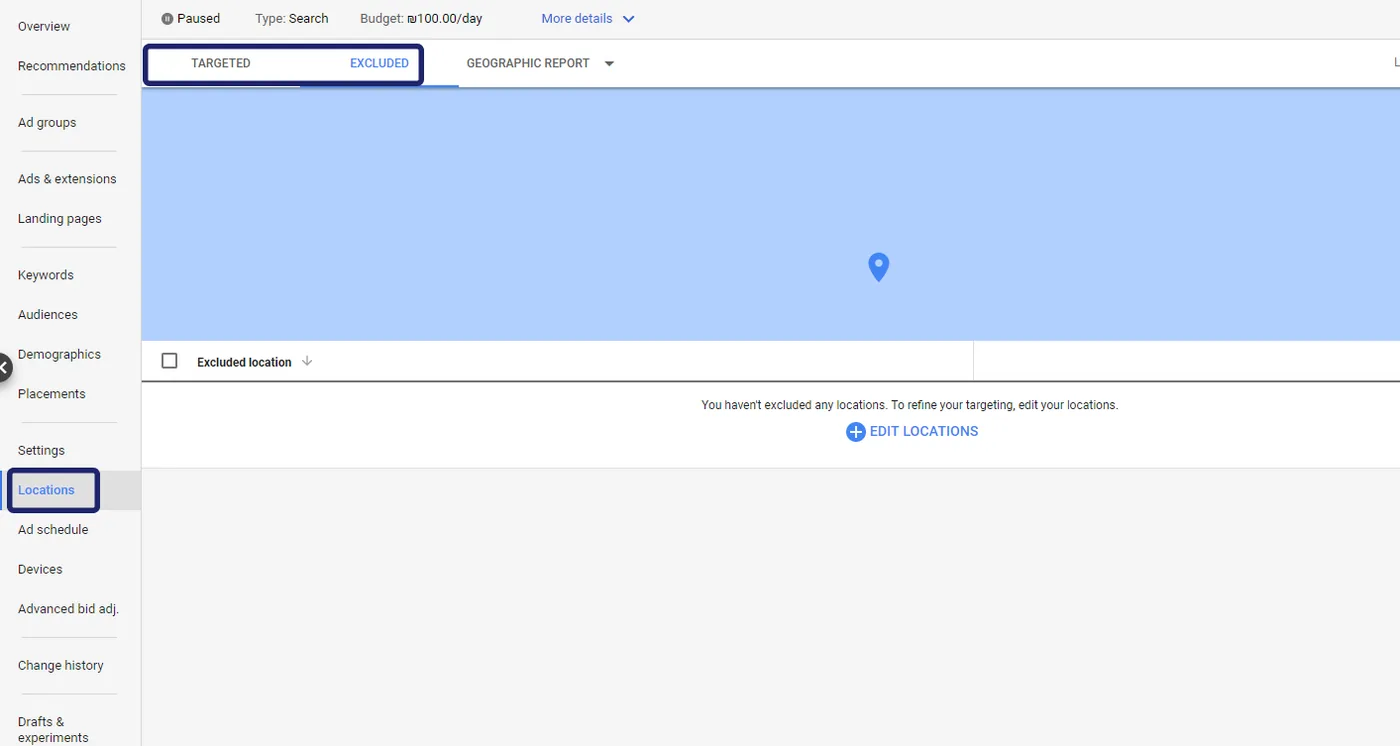
Tapper's rule checks the country of the IP address behind each ad click that reaches your site. A click from a country your rule does not allow is invalid, and the address is excluded like any other invalid click. Your campaigns' location settings do not change. Block VPN traffic, on the Detection features tab, covers a different case, so consider the two together (see Detection features: what each switch does).
How it works
- The rule is off for every new rule set. While it is off, your choice and your countries are kept.
- Block these countries is a block list: everyone else is allowed.
- Only allow these countries is an allow list: everyone else is blocked.
- The rule belongs to the selected rule set. For a different list on one platform, ad account or campaign, use a custom rule set (see Rule sets: apply different rules to platforms, ad accounts or campaigns).
- In Monitor-only, Tapper records these clicks as invalid and excludes nothing. What an exclusion is on each platform: Switch blocking on or off.
Set the rule
You need the Owner, Admin or Manager role. Viewer members can only look.
- If your workspace has more than one protected entity, pick it in the switcher at the top of the sidebar.
- In the sidebar, under Setup, click Rule sets. Pick the set under Ad campaigns and open its Countries tab.
- Turn on Block by country.
- Choose Block these countries or Only allow these countries. On a new rule set neither is selected.
- Type a country name and pick it from the list, or pick a region such as EU countries or Gulf states. To remove one, click the x on its name.
Each change saves itself.
Which mode to choose
| Mode | Use it when | What to watch |
|---|---|---|
| Allow list | You sell to a few countries and want everything else excluded | Every country your campaigns target must be on the list |
| Block list | You target widely and want to shut out a few countries that send invalid clicks | Countries you do not list stay allowed |
What happens next
- Flagged clicks carry the block reason Location mismatch on the Clicks page and, once excluded, on the Exclusions page (see The Exclusions page and the proof drawer).
- In the Google refund report they sit in the high-confidence tier, checked by default (see Generate a Google Ads refund report).
- A mobile app rule set (under Mobile apps) has its own Countries tab, applied to installs and events (see Mobile app rule sets).
Related
Was this helpful?
Still need help?
Chat with our team and mention this article.