

URL parameters
This guide shows how to add a custom URL parameter to each Meta ad so Tapper can match every click to the ad that produced it. The full guide is Add the ad_id parameter to your Meta ads.
Open the tracking section
- In Meta Ads Manager, go to the ad you want to configure.
- Find the Tracking section of the ad setup.
Add the URL parameter
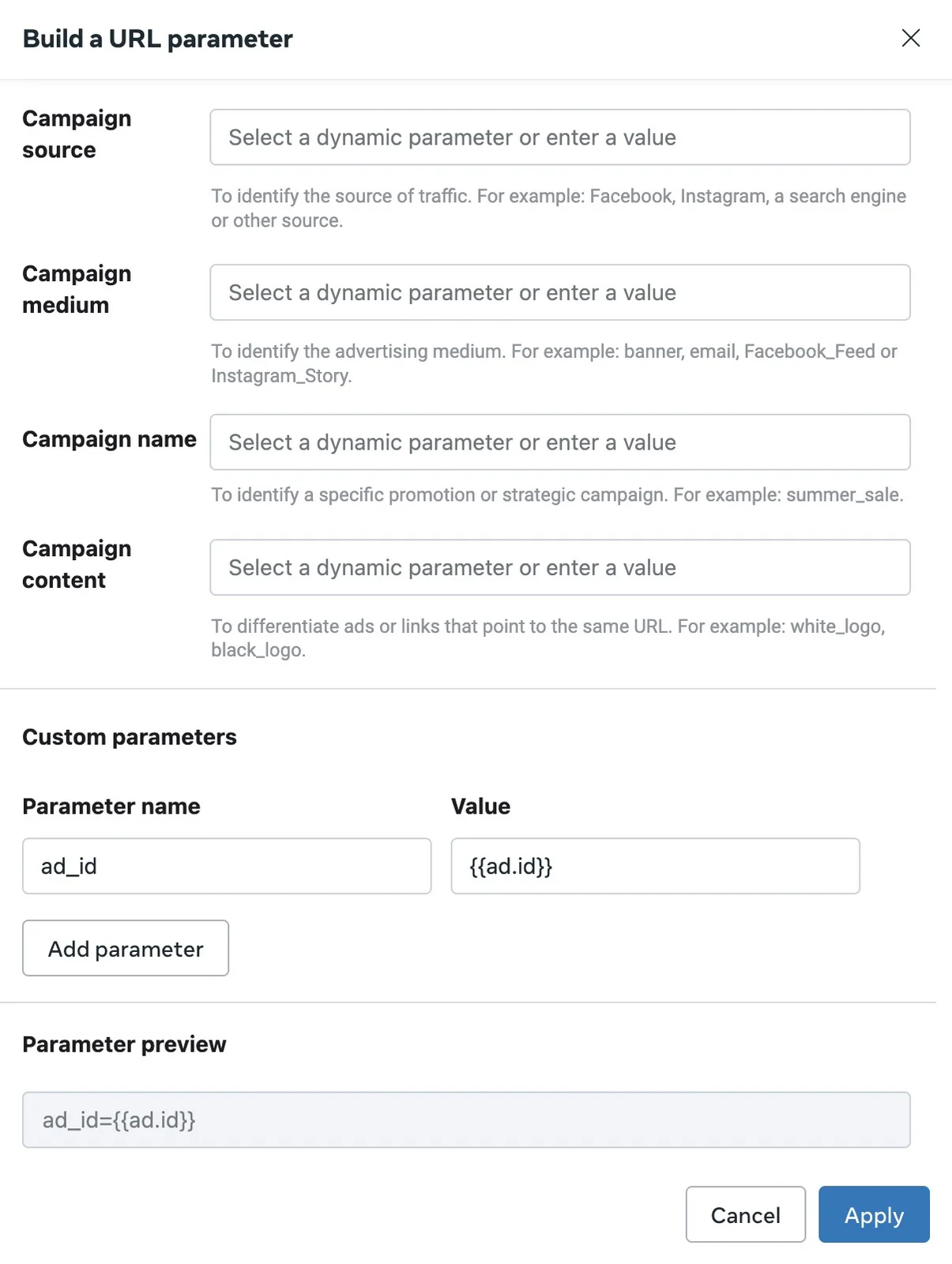
- Add a new parameter named
ad_id. - For its value, choose
{{ad.id}}from the dynamic values. It identifies each ad uniquely.
Finish
- Check in the Preview section that
ad_idis set to{{ad.id}}. - Apply your settings and publish the changes.
Tapper then matches each captured ad click to the correct ad.
Was this helpful?
Related articles
Still need help?
Chat with our team and mention this article.